Remote Work & Travel in Australia
Australia 13 December 2025




Remote Work and Travel in Australia: Secure Your Connection for the Ultimate Digital Nomad Lifestyle
Remote work across Australia gives you the freedom to explore beaches, cities, and regional towns while staying productive. A strong connection becomes essential when your office changes daily. Public Wi-Fi, shifting mobile coverage, and unfamiliar networks bring risks you cannot ignore.
Preparing your devices before hitting the road ensures your work remains secure and your travel plans are stress-free. With the proper setup, you can move confidently and stay connected wherever your journey leads.
For International Workers Travelling Australia
Ensure you have your Australian Visitor Visa 600 ready when going for your next trip to Australia and enjoy an unforgettable digital visa lifestyle in the land down under.
The Reality of Remote Work and Travel in Australia
Remote work has reshaped how people experience Australia. Digital nomads can build careers while exploring the country’s coastline, rainforests, and regional towns.
The freedom is absolute, but so are the connectivity and security challenges that come with constant movement. Working from airports, cafés, caravan parks, or shared hostels exposes your devices to unpredictable networks and risks that can interrupt your workflow or compromise data.
Australian internet conditions vary widely. Major cities such as Sydney, Melbourne, and Brisbane offer reliable 4G and 5G coverage. Once you head into regional zones, speeds fluctuate and networks shift between providers.
Public Wi-Fi in transport hubs and holiday parks remains convenient, yet it lacks strong encryption and can expose your data to interception. Understanding how these environments behave provides an advantage when planning a long remote work journey.
Why Australian Internet Conditions Demand Extra Protection
Some networks use outdated security protocols or lack proper authentication. Open Wi-Fi leaves traffic visible to anyone connected to the network. Attackers who monitor shared networks can capture login details, intercept unencrypted data, or redirect you toward unsafe sites.
Remote workers who rely on cloud services, productivity platforms, and file-sharing apps become more vulnerable when connection quality is low. Protecting devices through encrypted tunnelling and secure authentication reduces exposure when working across unfamiliar networks.

Building a Secure Digital Nomad Setup
Remote workers need structure in how they protect their devices. Security should not be viewed as an optional layer or added only after a breach has occurred.
The goal is to create a setup that adapts to movement and keeps your data safe regardless of where you connect. Many digital nomads opt for tools that secure traffic, prevent data leaks, and verify login attempts without overcomplicating the workflow. Remote workers who rely on cloud-driven projects, bookkeeping tools, and collaboration platforms require dependable privacy measures.
A strong security setup begins with encrypted connections and identity protection. While exploring options, some travellers look for the best VPN that fits their device mix, travel habits, and preferred regions. A tunnel that masks traffic, protects credentials, and shields online activity becomes a core component of a travel-ready system.
Essential Security Tools for Remote Workers
Encrypted browsing keeps your data confidential across public networks. Secure DNS settings prevent traffic from being redirected toward unsafe pages. Multi-factor authentication protects accounts by combining passwords with additional verification methods, such as one-time verification codes or hardware tokens. Device auto-lock features and strong credential hygiene improve your baseline defence. These solutions make a significant difference when switching between networks.
Situations Where Your Connection Becomes Exposed
Threats increase in places with transient users. Airports, backpacker hostels, and co-working spaces create environments where dozens of people share the same network.
Any device can become a point of collection for unsecured traffic. Apartment buildings with shared routers can expose local traffic when security settings are weak. Temporary offices or short-term rentals sometimes use default router passwords or leave firewalls disabled.
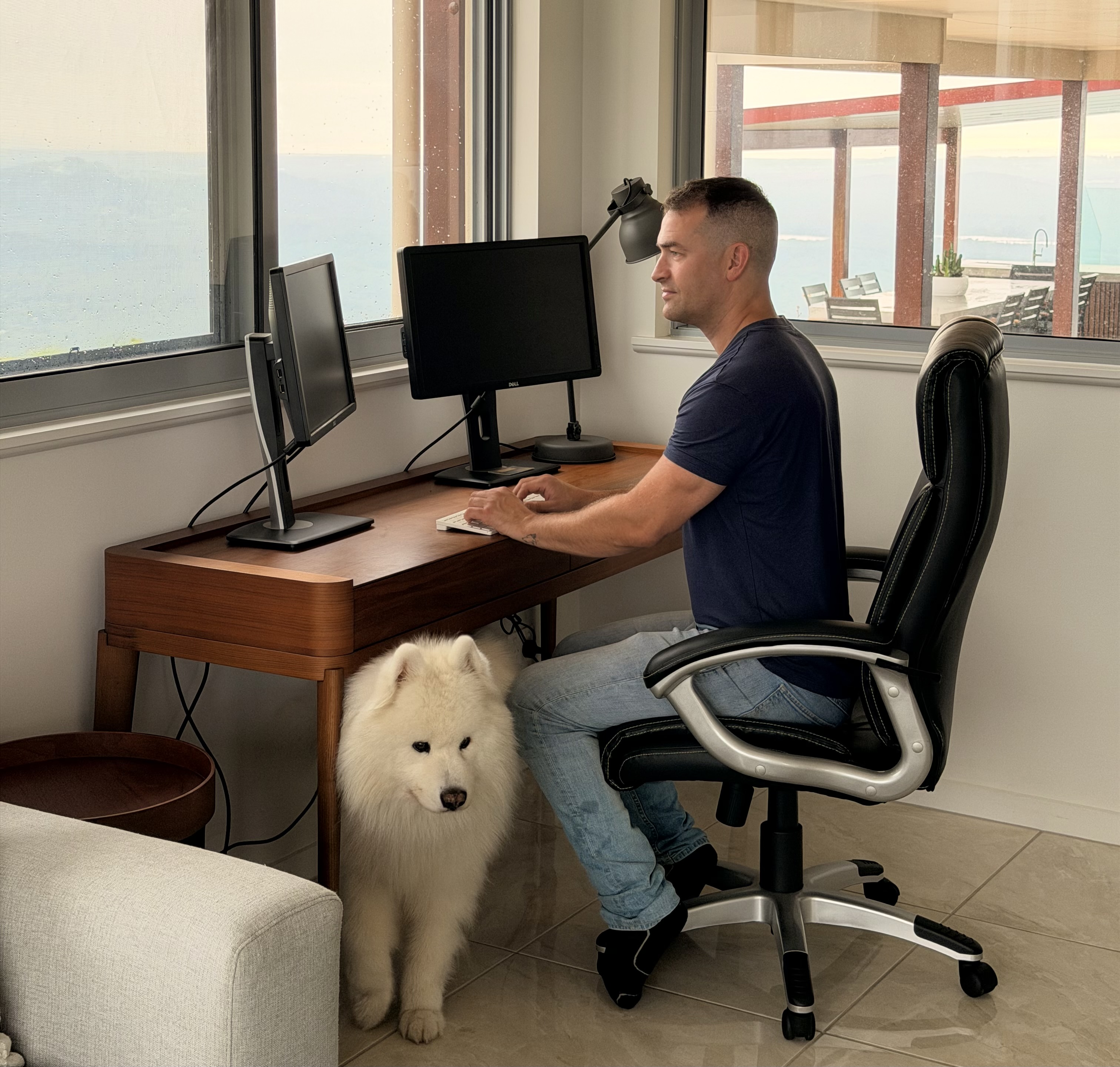
Staying Connected Smoothly Across Australia
A digital nomad’s workflow relies on stable connectivity. Australia’s diverse mix of metropolitan, regional, and remote environments necessitates flexible network planning.
You might use 5G in the city, switch to 4G during regional travel, and fall back to public Wi-Fi when mobile reception drops. Each connection type behaves differently.
Mobile networks across Australia are strongest near population centres. Hence, travellers who move between states often face brief dead zones that interrupt calls and uploads. Knowing how to reconnect safely helps you avoid interruptions.
Handling Connectivity While Travelling
Switching carriers provides flexibility. Some nomads carry a second SIM to avoid extended outages when moving between regions.
Public Wi-Fi should be used with caution, especially in crowded areas. Before joining, check whether the network requires unnecessary permissions or redirects you to suspicious login pages. Tethering from a mobile device becomes a safer choice when public Wi-Fi looks unreliable.
Avoid using insecure helper pages that offer connection “boosts” or quick sign-ins without proper encryption.
Connection Checklist on the Move
Keep your connection safe while travelling by checking the basics before you go online:
- Confirm the legitimacy of the network name before joining.
- Use secure sites that load valid HTTPS certificates.
- Watch for repeated redirects or pages requesting sensitive login details.
Network Behaviours That Signal Interference
Slow loading might indicate congestion, but persistent delays combined with security warnings or unexpected login prompts signal interference. Sudden certificate errors, page changes, or redirects to unsecured sites could be the result of manipulated traffic. Disconnect quickly and switch to a protected network.
Final Preparation Tips for Digital Nomads in Australia
Long-term travel through Australia requires planning that extends beyond accommodation and transportation.
A secure digital routine helps you stay productive and avoid unnecessary complications:
- Devices should be set up in advance for safe roaming.
- Cloud workflows must remain protected.
- Authentication keys should be stored in a secure, private location.
Building a routine is an important step toward maintaining security wherever you go.
Practical Long-Term Habits That Strengthen Protection
A structured approach helps you maintain strong digital habits while travelling:
A structured cloud workflow keeps files consistent across laptops and phones.
Updating authentication keys prevents unauthorised users from accessing your accounts.
Powering devices through trusted chargers helps avoid using low-quality adapters in hostels or airports.
Avoiding unknown USB ports prevents data extraction or malware installation.
Developing these habits creates fewer complications when you are working while on the move.
Travel Australia with Confidence and Control
Digital nomads in Australia can enjoy a flexible lifestyle without sacrificing security. Awareness, planning, and reliable tools help you manage the challenges of public networks, changing environments, and unpredictable coverage.
A secure setup enables you to stay productive, protect sensitive information, and work confidently from anywhere in the country. With proper preparation, remote work and travel become a smoother and safer experience.
Book your experience now!